Setting the Tempo of a Song
Tell Pliris what tempo the song is — for click, count-in, the grid, and Ableton export. This does not speed up or slow down your stems.
When you change Tempo on an arrangement, you are not changing how fast the audio plays.
You are telling Pliris™ what tempo the song is — so the click, count-in, beat grid, section math, and Ableton export all line up with the music you already uploaded. Stems keep playing at their recorded speed; Pliris does not time-stretch them when you type a new BPM.
How to set the tempo
- Open the song's arrangement page.
- Right-click the Tempo in the header. The Edit Tempo dialog opens.
- Type the correct BPM and click Save. If analysis landed at half or double time, click ÷2 or ×2 instead. The same ÷2 and ×2 buttons also sit next to the tempo in the header.
Left-click often copies the value — it does not edit it.
Why this matters
Pliris uses the arrangement tempo for:
- Click timing and feel against the grid
- Count-in length in real time (bars × tempo)
- Jumping and labeling sections on the timeline
- Ableton export — the Live set's tempo (and tempo map, when you have one)
If the BPM is wrong, the click and count-in feel early or late even though the stems sound fine. Fix the tempo metadata; don't re-upload audio just to "change the speed."
Other ways tempo gets set
| Source | What happens |
|---|---|
| Analyze | Analysis fills tempo (and often a tempo map) from the audio — costs credits |
| Manual entry | You type BPM via right-click on the Tempo chip — free, no credits |
Ableton .als update |
Dropping a set can update tempo / tempo automation; stems stay put → Updating an Arrangement from Ableton |
| Variable tempo | If the arrangement has a multi-point tempo map, use the Variable tempo control to pick which map export and the player should follow |
Pro tip: Warped Ableton projects sometimes show a tempo range even when the song is basically one BPM. Prefer the project's Manual/base tempo as the authority, then set that value in Pliris if the chip looks off. An Ableton grid or a click already on the song wins over a Music.ai-detected tempo or beat map.
Frequently asked questions
Does changing tempo in Pliris speed up or slow down my stems?
No. Editing Tempo only updates arrangement metadata (click, count-in, grid, export). Your stem audio keeps playing at its original speed — Pliris is not time-stretching the files.
Why does the click feel wrong even though the song sounds right?
The stems are fine; the Tempo (or tempo map) Pliris is using doesn't match the music. Right-click Tempo, set the correct BPM (or use ÷2 / ×2), then try count-in and click again.
Do I spend analysis credits to type a BPM?
No. Typing the tempo by hand is free. Credits apply when you run Analyze on audio, not when you set metadata by hand.
I deleted a tempo or time-signature change — why does Play still sound like the old map?
If you removed a tempo point or time signature change (Pro-mode grid, or wherever that delete lives on the song page), refresh before pressing Play. Until a fix ships, the player can keep the old map until a hard refresh. See Editing the Grid.
Can Ableton overwrite the tempo I set?
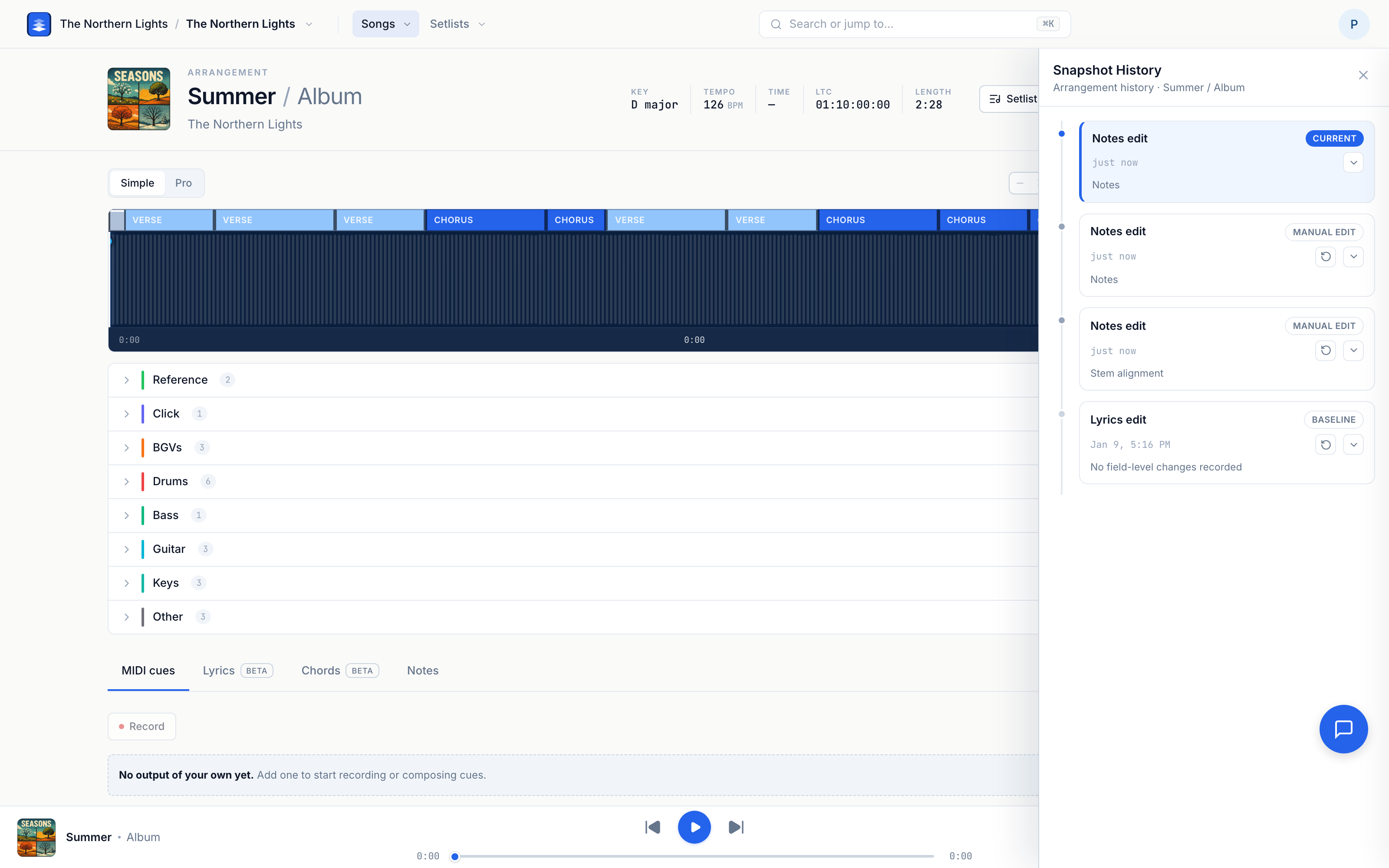
Yes — if you drop an updated .als and confirm Update arrangement, Pliris can adopt the tempo (and tempo automation) from that file. Review the summary in the dialog before confirming, and use Snapshot History if you need to roll back.
Where to go next
- Count-in depends on this BPM → Changing Count-In.
- Full arrangement tour → How to Use the Song Arrangement Page.
- Key and time signature work the same way → Changing a Song's Key and Fixing a Wrong Time Signature.
- Structure + tempo from Ableton → Updating an Arrangement from Ableton.
Stuck at any point, click the support bubble in the bottom-right corner of any page, or email support@fromstudiotostage.com.