Making Rehearsal Edits in Ableton
Change an exported Pliris song in Ableton Live: rename, split or add sections, trim an intro, deactivate clips, and swap the click sound or cue voice. Then re-import the .als so Pliris picks up the changes.
Songs change in rehearsal. You don't have to go back to square one: open the Ableton project you exported from Pliris, make the edits in Ableton Live, save, and re-import the Live set. Pliris updates the song without a re-upload.
Watch the lesson: this article goes with Make rehearsal changes in Ableton, part of the Using Pliris to Program, Practice, and Perform course.
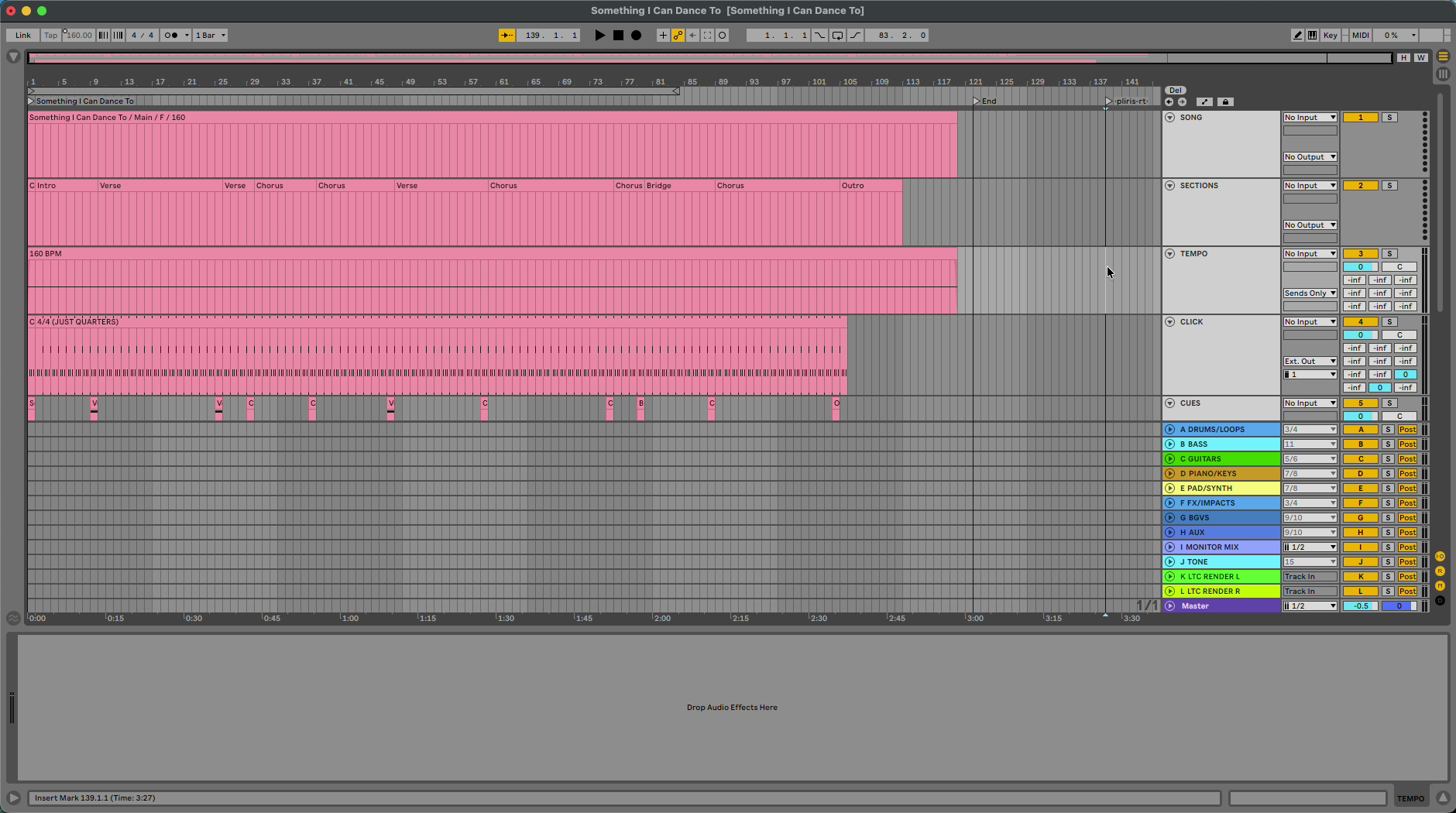
Edit your sections
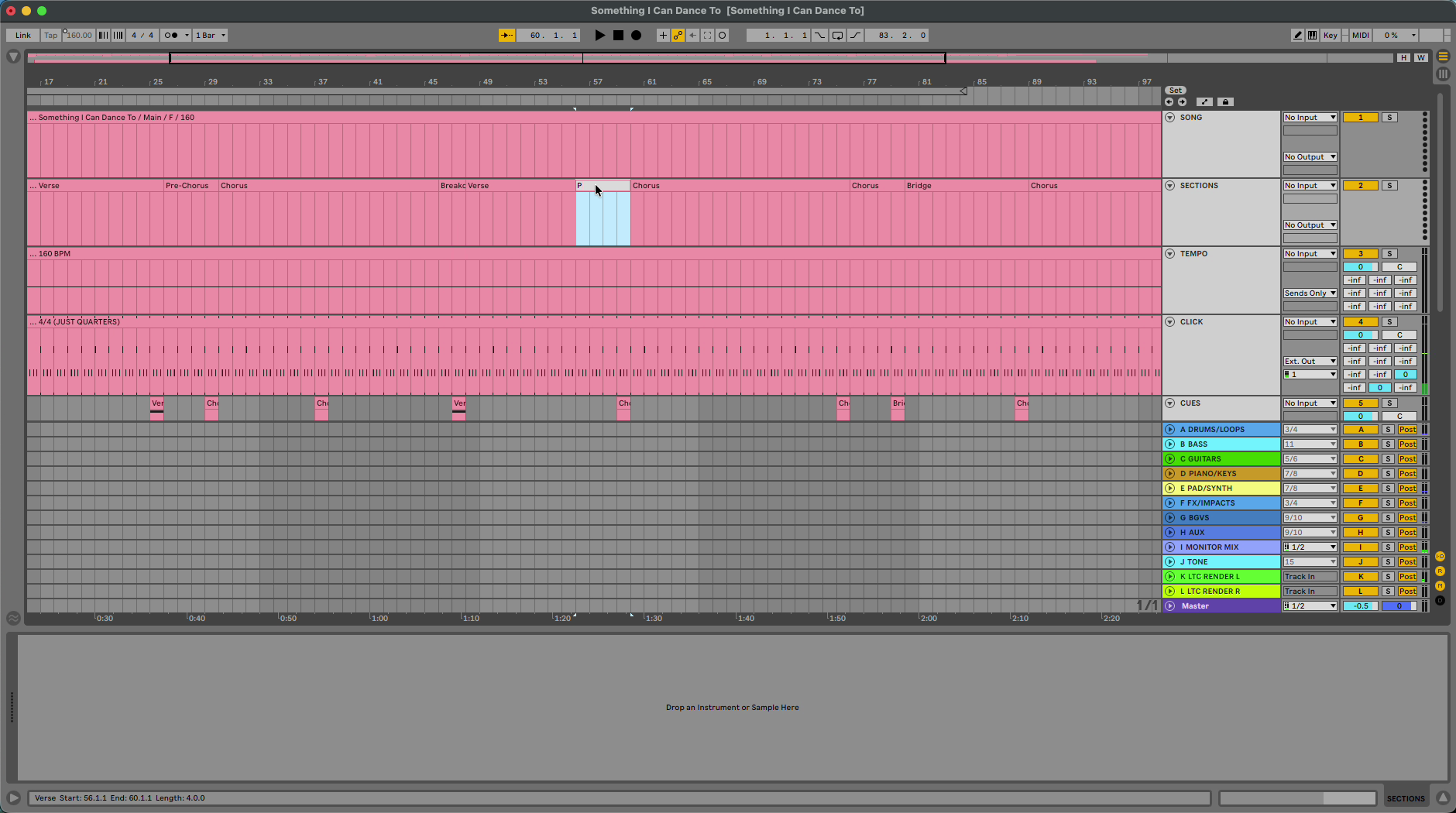
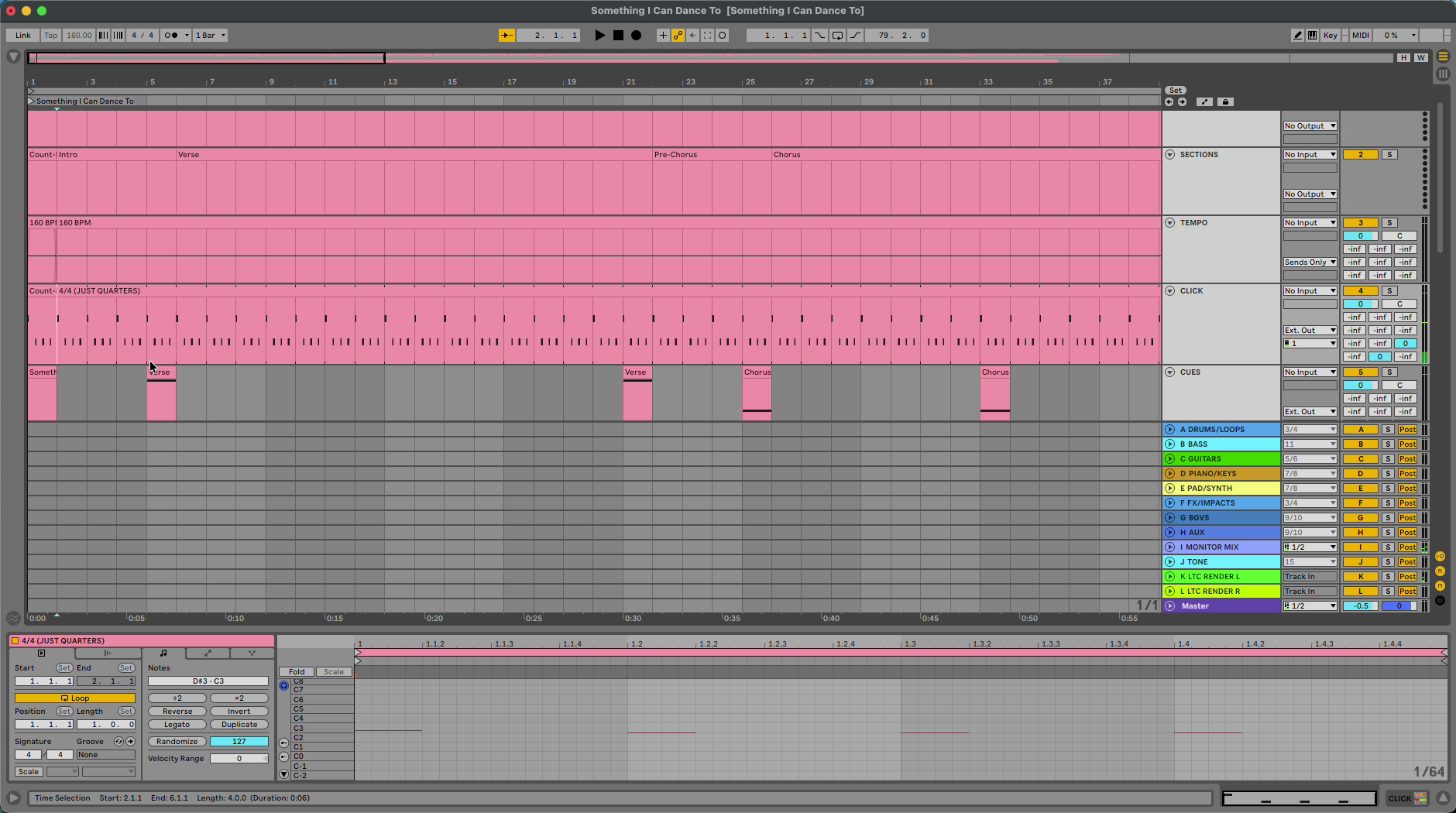
Your song sections are named clips on the Sections header track.
- Rename a section clip to change the section, for example Verse to Pre-Chorus.
- Consolidate two section clips (⌘J) to merge them, or split one into two.
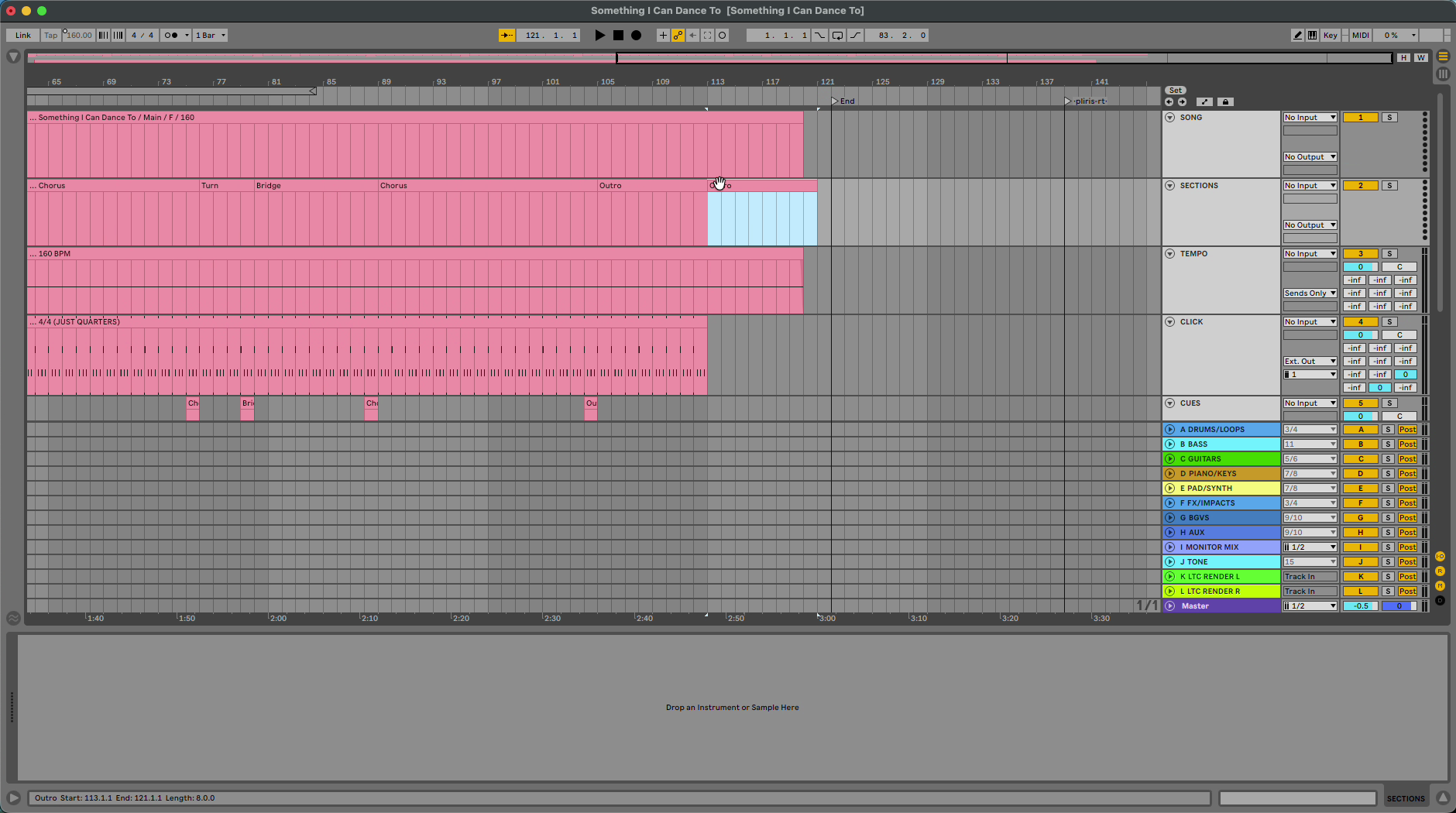
- Add an ending: duplicate the outro clip and rename it Ending.
Cut time safely
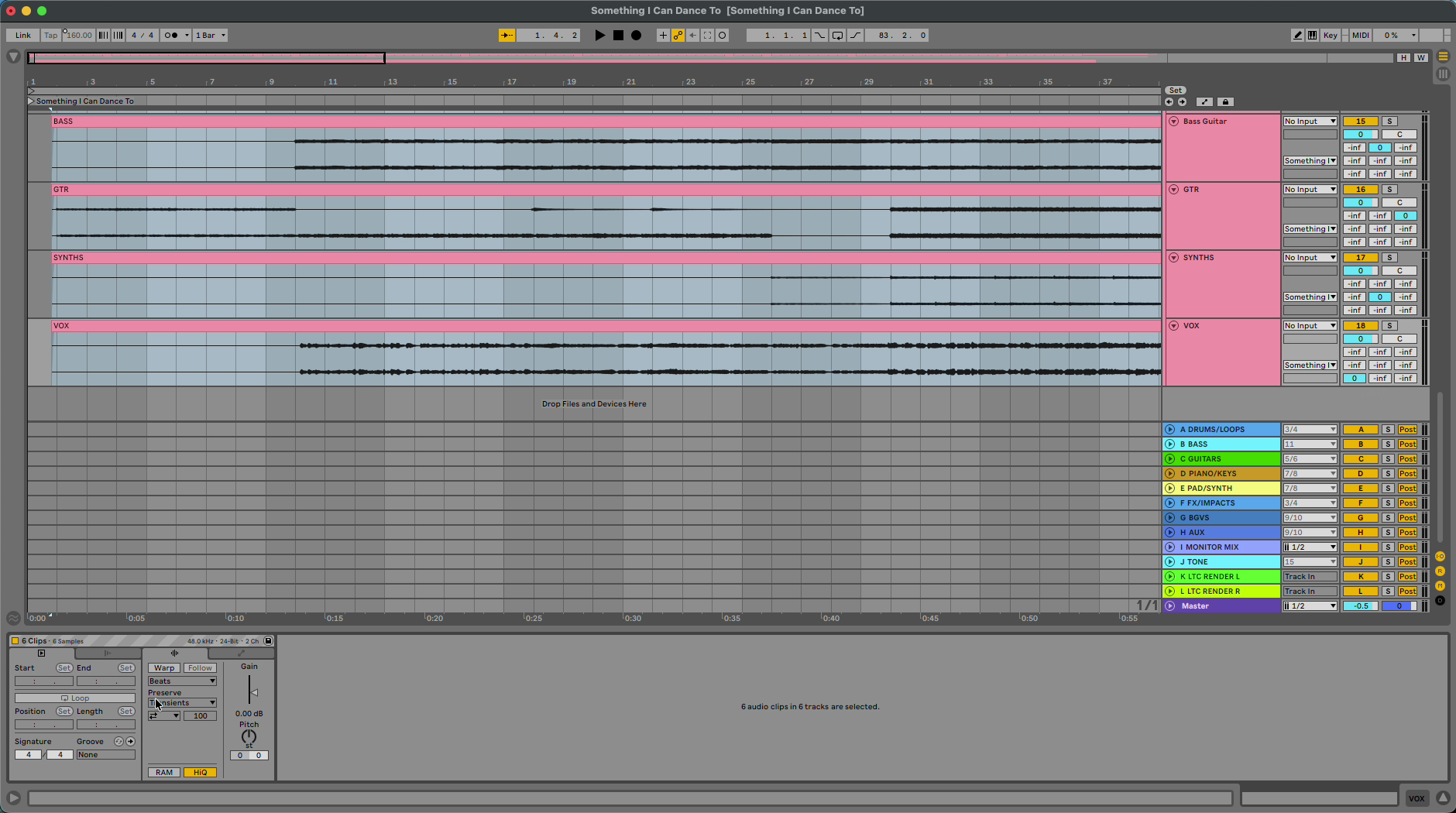
- Select all your stems, turn on Warp and leave them on Beats. Warped stems stay in time when you cut or duplicate time.
- Duplicate or delete time across the whole set, for example to trim an intro or jump straight to the pre-chorus.
- Listen back before you save.
Change the click and cues
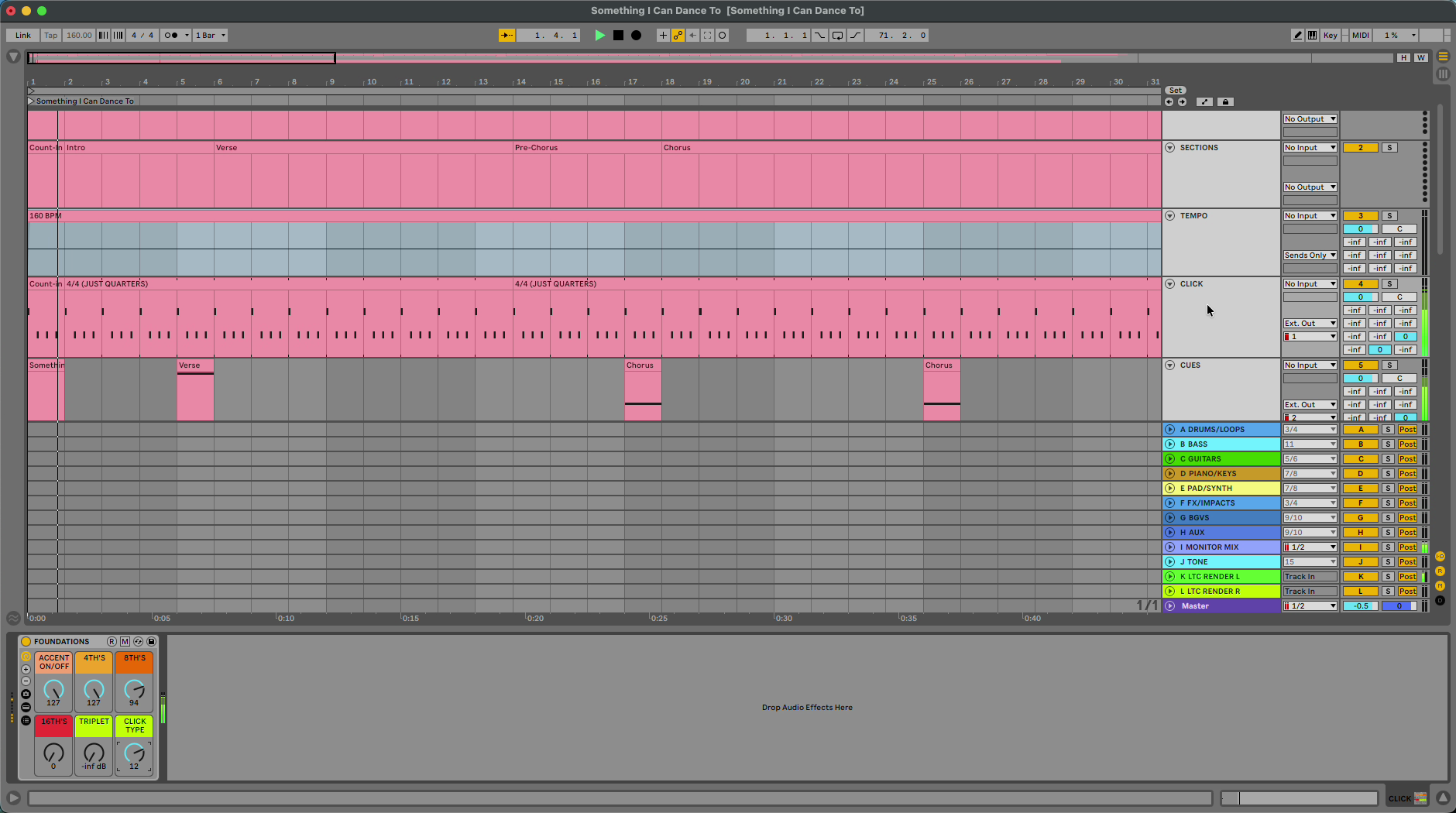
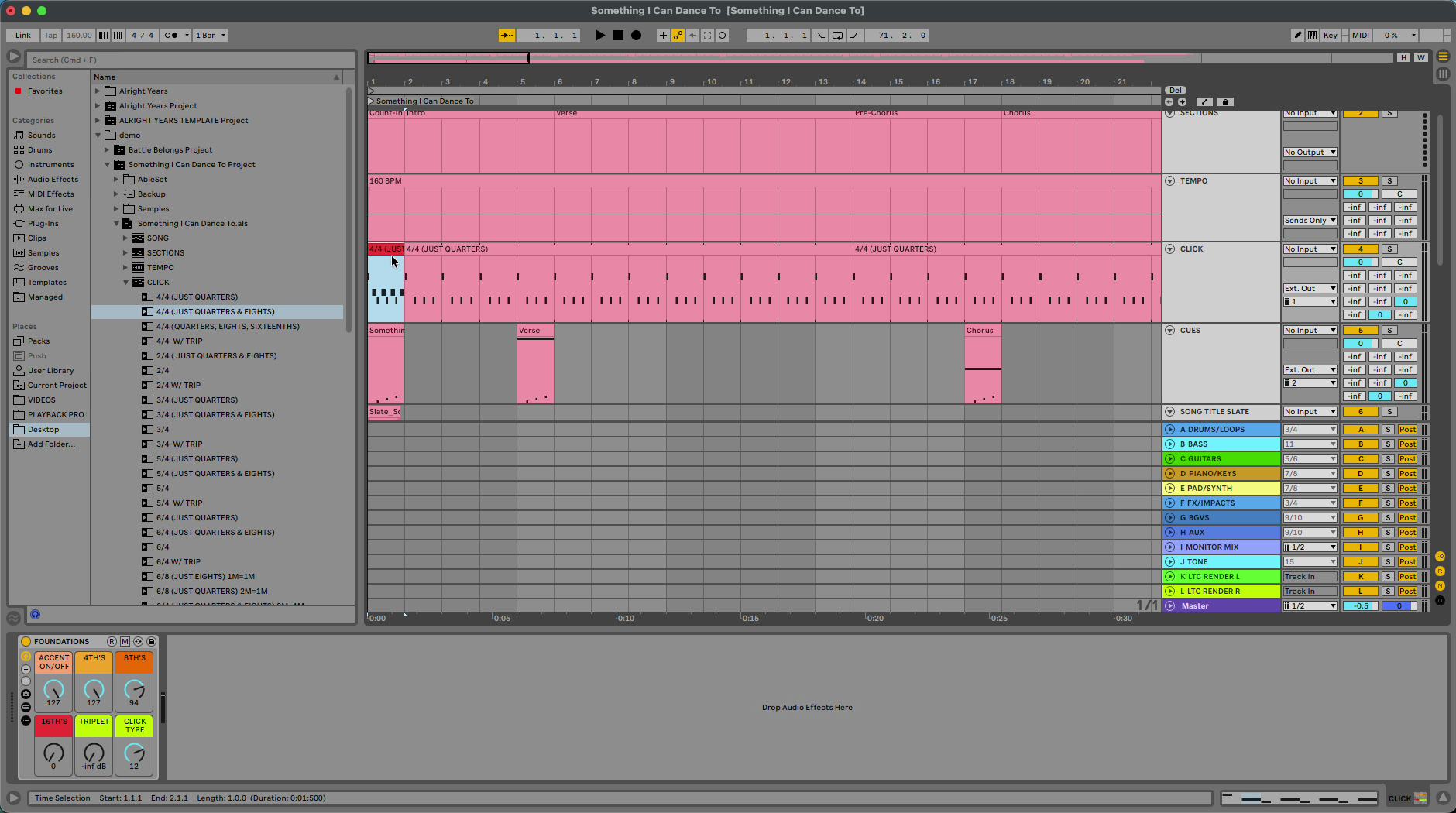
- On the click track, choose another click type (for example Lively, sound 12).
- On the cues track, choose another cue voice.
- Change the click programming, for example eighths in the intro and quarters after.
Deactivate clips
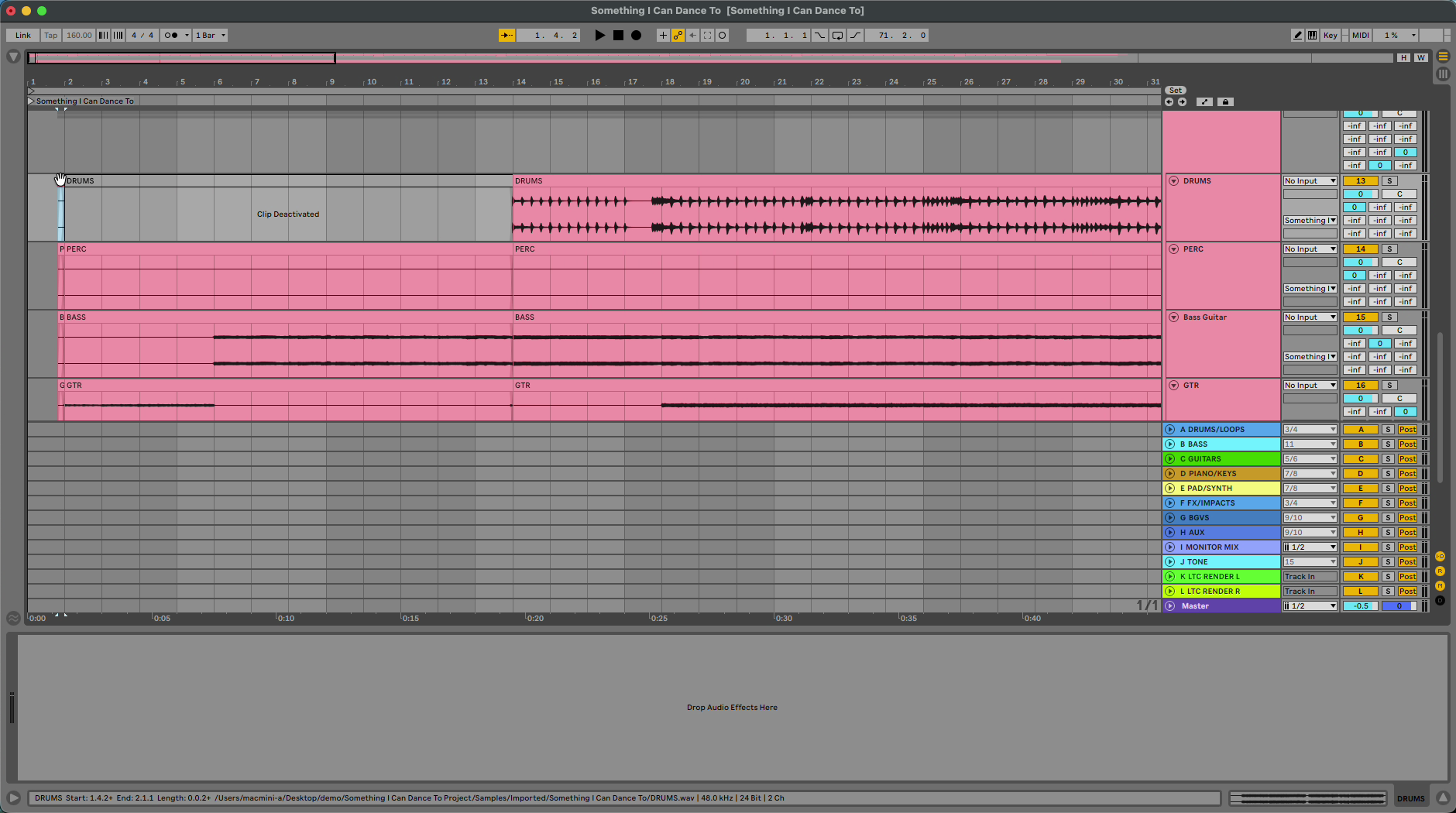
Select a clip, such as the drums in the first verse, and deactivate it. Add a fade where the part comes back in.
Bring the changes back into Pliris
Save the Live set, then drag the .als onto the song page in Pliris. See Re-importing Your Ableton Edits and Updating an Arrangement from Ableton.
Sections, cue placement, trims, deactivated clips and warping come back. At the time of writing, click sound, cue voice and click subdivision changes are stored but don't make the full round trip yet.
Frequently asked questions
Can I change a Pliris song in Ableton Live?
Yes. Edit the exported project in Ableton, save it, and re-import the .als on the song page. No re-upload.
Where are the song sections in an exported Pliris set?
They're named clips on the Sections header track at the top of the set. Rename, split or duplicate them to change sections.
Why should I warp stems before editing?
Warped stems stay in time when you cut, duplicate or delete time. Select all stems, turn on Warp and leave them on Beats.
Will my click and cue sound changes come back into Pliris?
Not yet. They're stored with the song, but the Pliris player doesn't play them and the re-export doesn't include them yet.