Settings → Song defaults
Band-level defaults for how Pliris prepares every song: auto-aligning stems to Live's grid, and the Pliris click, cues and slate.
Settings → Song defaults sets how Pliris prepares songs in this band. Changes apply to the band shown in the switcher.
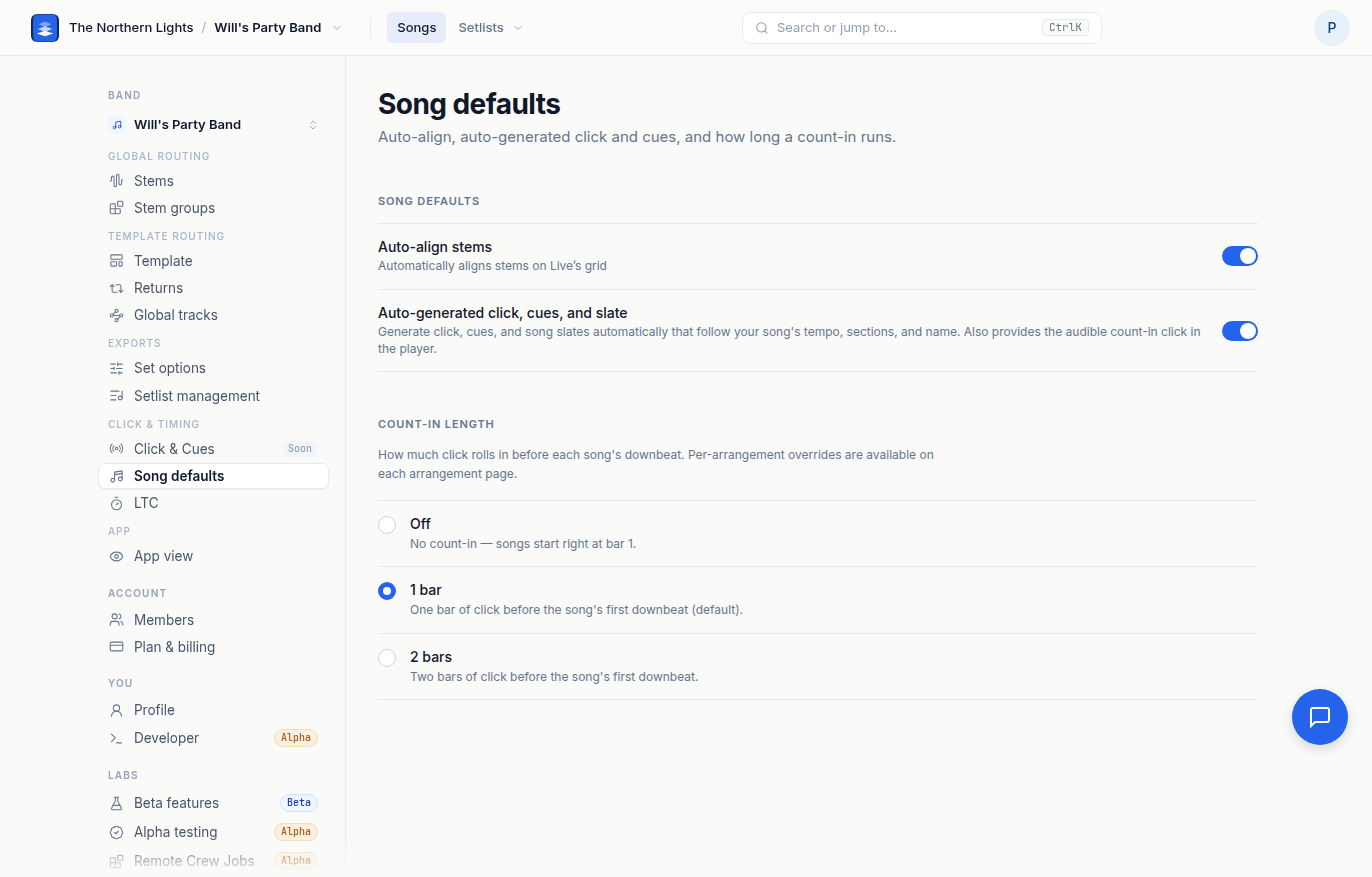
Song defaults
- Auto-align stems. Automatically aligns stems on Live's grid. Leave it on unless you have a reason to place stems by hand.
Pliris click, cues and slate
A click, cues and a spoken song slate that follow each song's tempo, sections and name. The click also plays through any empty bars in front of the music, which is how a song gets its count-in. Choose one:
- Ask me. When a song arrives without a click, Pliris asks whether to add its own.
- Always add. Every song gets the Pliris click, cues and slate.
- Never. Songs play as recorded, with no Pliris click, cues or slate. Choose this if you bring your own click and cue tracks; see Custom Click and Cue Sounds.
Only an account admin can change this.
Count-ins
There's no count-in setting on this page. A song's count-in is the empty bars in front of its music. To add one, open the song, click its waveform to select it, and nudge the song later with ⇧ →. See Adding a count-in: nudge your song.
Frequently asked questions
How do I change the count-in for my whole band?
There's no band-wide count-in. Each song's count-in is the empty bars in front of its music. Open the song, click its waveform to select it, and press ⇧ → once for each bar you want.
Where did the Count-in length setting go?
It's gone, for every band. A count-in is now bars you put in front of the music by nudging the song. See Nudging your song.
How do I turn off the automatic click and cues?
Under Pliris click, cues and slate, choose Never. The click that plays through the empty bars in front of a song goes with it, so use this only when you supply your own click.
What does Auto-align stems do?
It lines each song's stems up on Live's grid. It is on by default and applies to every song in the band.
Can one song have a different count-in from the rest?
Yes. Every song has its own: the empty bars in front of its music. Nudge each song the way you want it.
Stuck at any point, click the support bubble in the bottom-right corner of any page, or email support@fromstudiotostage.com.