Settings → App view
Show or hide Lyrics, MIDI cues, Chord charts and Timecode on this band's arrangement pages, so the song page only shows what your band uses.
Settings → App view trims the song page down to what your band actually uses. Everything here is visible by default; turn a feature off and it disappears from every arrangement page in this band. Nothing is deleted, and turning it back on brings it straight back.
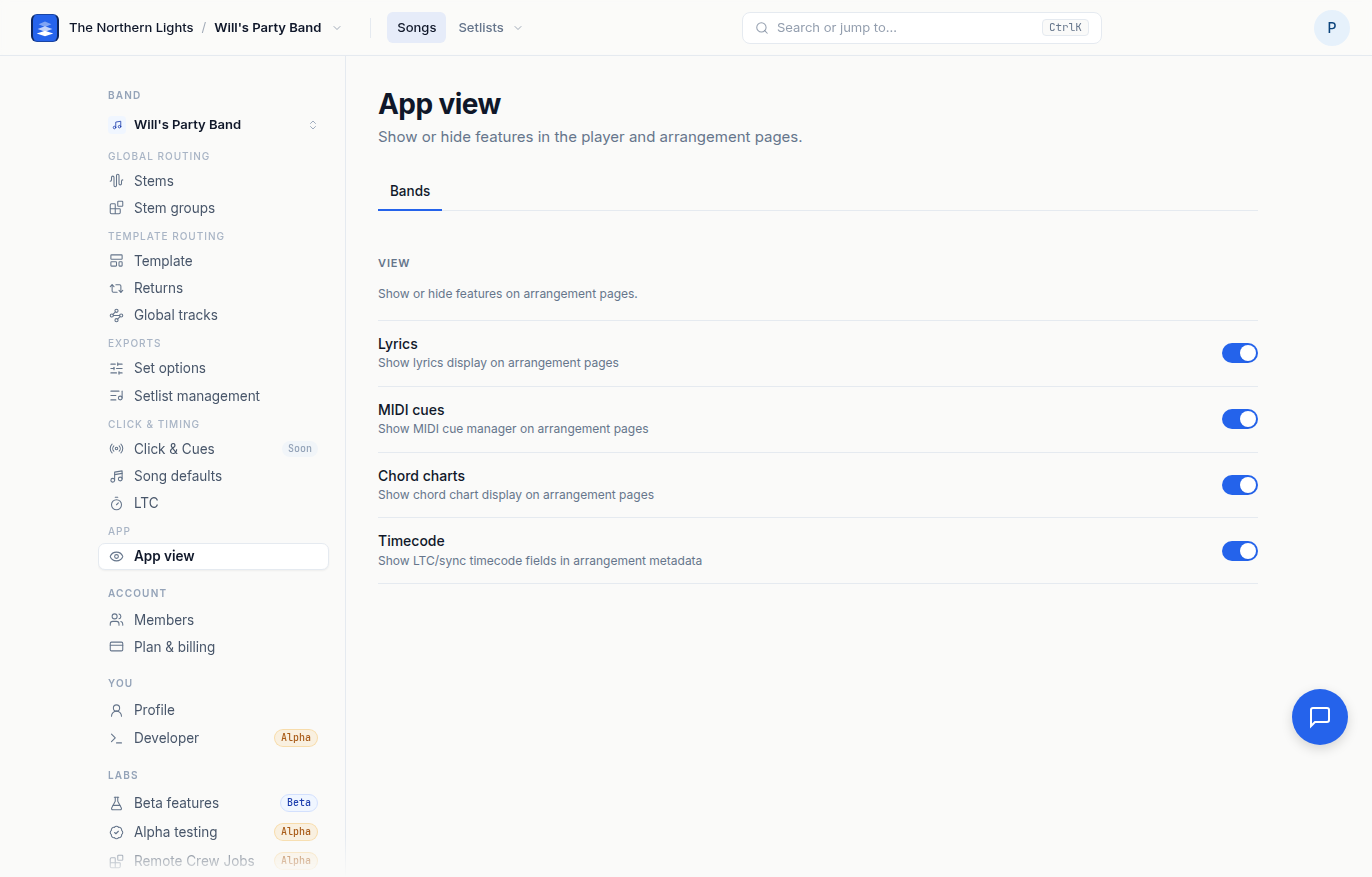
View
Under the Bands tab:
- Lyrics. The lyrics display on arrangement pages.
- MIDI cues. The MIDI cue manager on arrangement pages. Hide it for a band that never sends cues.
- Chord charts. The chord chart display on arrangement pages.
- Timecode. The LTC and sync timecode fields in a song's metadata.
Each switch saves immediately. The toast reads Feature hidden or Feature enabled, and the change applies to the band shown in the switcher.
Hiding a feature only changes what the page shows. Lyrics, cues and chords still export with the song, and the data is still there when you show the feature again.
Frequently asked questions
How do I hide lyrics on the song page in Pliris?
Open Settings → App view and turn Lyrics off. The lyrics display disappears from every arrangement page in that band. Turn it back on any time.
Does hiding MIDI cues delete them?
No. App view only changes what the page shows. Cues stay on the song and still export. Show the feature again and they are back.
Do App view settings apply to all my bands?
No. They are per band. Switch bands in the rail and set each one separately.
Why can't I see the LTC field on a song?
Timecode may be hidden for that band. Open Settings → App view and turn Timecode on.