Settings → LTC
How LTC timecode values are assigned to your songs: automatically per arrangement, automatically per setlist, or by hand.
Settings → LTC decides who assigns the LTC start time each song carries: Pliris or you. Every song needs a distinct timecode range so lighting, video and other gear can tell songs apart, and this setting is how those ranges are handed out.
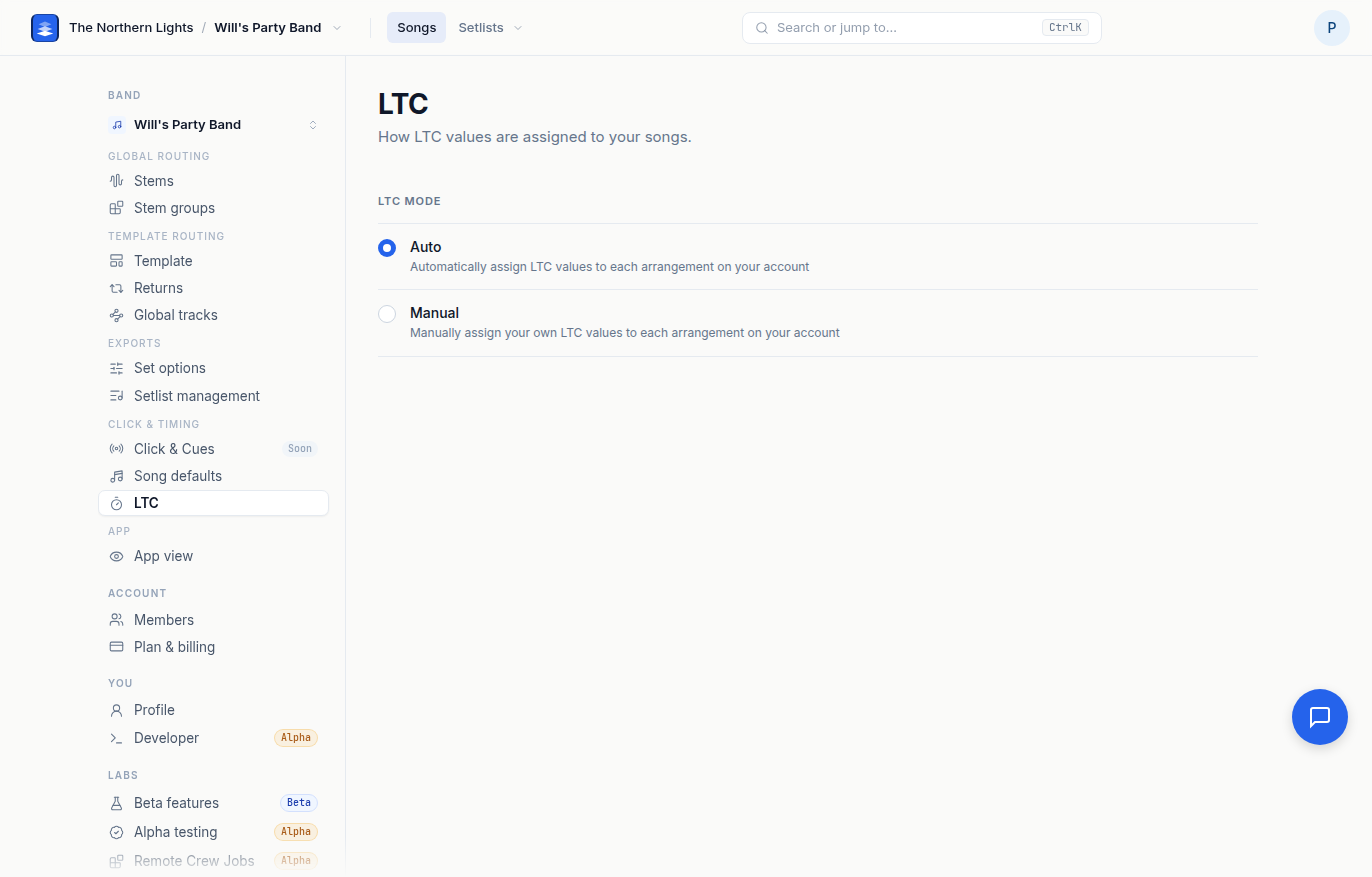
LTC mode
- Auto. Pliris assigns LTC values to each arrangement on your account. Two flavors:
- Per arrangement. Each arrangement always uses its own auto-assigned LTC, no matter which setlist it is in. Pick this when the same song must carry the same timecode in every show.
- Per setlist. Each setlist gets its own LTC layout. Songs that already have an LTC in another active setlist keep that exact value, so a song shared between two shows does not change timecode between them.
- Manual. You assign your own LTC values to each arrangement, from the song's arrangement page.
The change saves immediately and setlist pages pick it up the next time you open them.
The generator itself, and how to get timecode out to gear, is covered in Sending LTC / SMPTE Timecode to External Gear. Per-song editing of the value is on the arrangement page; see How to Edit Songs in Pliris.
Frequently asked questions
How does Pliris assign LTC timecode to songs?
By default automatically, per arrangement, so every song gets its own range and keeps it in every setlist. Switch to Per setlist to lay timecode out per show, or Manual to type your own values on each song.
What is the difference between per arrangement and per setlist LTC?
Per arrangement gives each song one timecode it carries everywhere. Per setlist lays timecode out for each setlist, while a song already assigned in another active setlist keeps that value so it never changes between shows.
How do I set my own LTC values?
Open Settings → LTC and choose Manual. Then set each song's LTC on its arrangement page.
Does changing LTC mode change songs I have already exported?
No. Exported Live Sets keep the timecode they were built with. Re-export after changing the mode to pick up the new values.