The Pliris Loop
Every song in Pliris follows the same four steps: upload and import, edit, export to Ableton Live, then update and re-import when rehearsal changes things.
Pliris works as a loop. You bring a song in, shape it, send it to Ableton Live, and when rehearsal changes something you bring the update back in. Learn the four steps once and you know how every song moves through Pliris.
Watch the lesson: this article goes with Welcome to Pliris, part of the Using Pliris to Program, Practice, and Perform course.
The goal: cut your programming time by 90% or more, cut rehearsal time by 50% or more, and stop the late-night programming sessions after rehearsal changes.
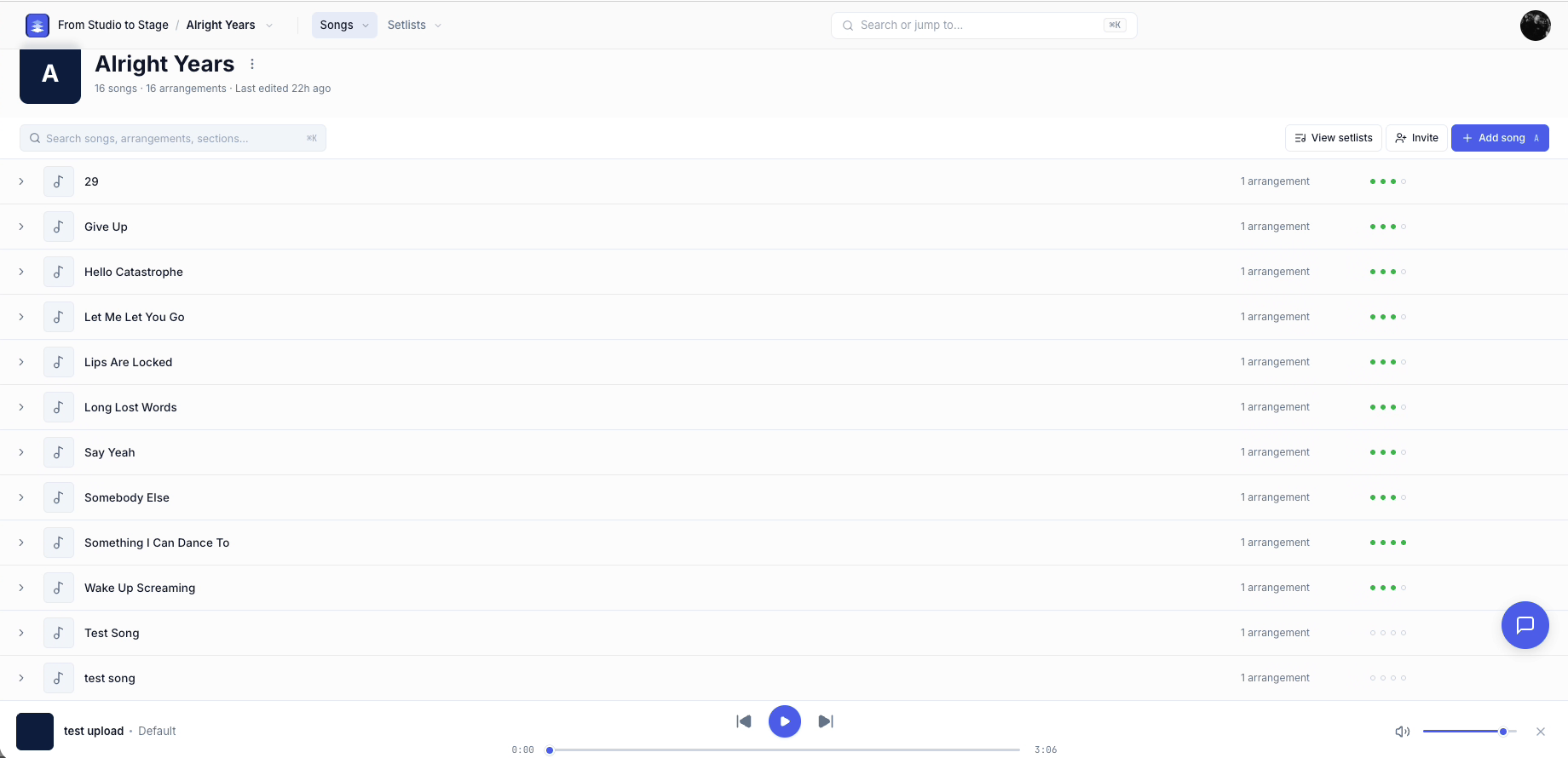
The four steps
- Upload and import. Bring songs in through the Bands app or the Files app. You can start from raw stems, a fully programmed Ableton Live song, or a whole Ableton Live set you've already built. See Uploading and Analyzing Your Stems and Importing a Song from Ableton Live.
- Edit. Adjust the song in the Bands app: key, tempo, time signature and song sections. See Editing Songs in Pliris.
- Export to Ableton Live. Download the song, or your whole setlist, as a fully programmed Ableton Live project. See What Is in an Exported Ableton Project.
- Update and re-import. When you add audio files, remove sections, or change your set or a single Ableton Live file, re-import the update into Pliris. You're back at step 1, and the loop continues. See Updating Your Set from Ableton.
What you get once a song is in Pliris
- A fully programmed Ableton Live song, and a fully programmed Ableton Live set
- Click, a songs track, song sections, cues and song slates
- Output and stem routing done, color coding, tempo and time signature changes, and locators if you want them
- Chords in ChordPro format
- Lyrics timed automatically, which you can edit afterward
- An LTC file to control lights, video and anything else you run
- A reference file and an LTC reference to send to your lighting or video department
Who it's for
- Playback engineers who want to work with more clients and spend less time on each one.
- Solo artists and band members who know they need playback but don't have the budget for a playback engineer.
- Worship leaders who want Ableton's power without the time it usually takes.
Frequently asked questions
What is the Pliris loop?
It's the four steps every song follows: upload and import, edit, export to Ableton Live, then update and re-import. When rehearsal changes a song, you re-import it and the loop starts again.
Do I need to rebuild songs I've already programmed in Ableton?
No. You can import a fully programmed Ableton Live song or set into Pliris. You don't have to start from stems.
Does Pliris replace Ableton Live?
No. Ableton Live stays your playback engine. Pliris programs the session for you and exports it as an Ableton Live project. See What Is Pliris?.
What happens when we change a song in rehearsal?
Make the change, then re-import the updated file into Pliris. The song updates, and you can export it again.