Signing In to Pliris
Where to sign in, how the magic-link flow works, and how one sign-in carries across every From Studio to Stage app — there is no separate Pliris login page.
There's no password to remember and no separate Pliris™ account to create. If you have an active subscription (or a free account), you sign in once with your email and every From Studio to Stage app opens for you.
Where to sign in
Two front doors, both equally correct:
- fromstudiotostage.com — click Sign in in the top-right corner.
- bands.fromstudiotostage.com — go straight to the Pliris player and sign in there.
There is no pliris.fromstudiotostage.com. Pliris isn't a separate website with its own login — it's the product family that lives across the From Studio to Stage apps. Sign in at either address above and you're in.
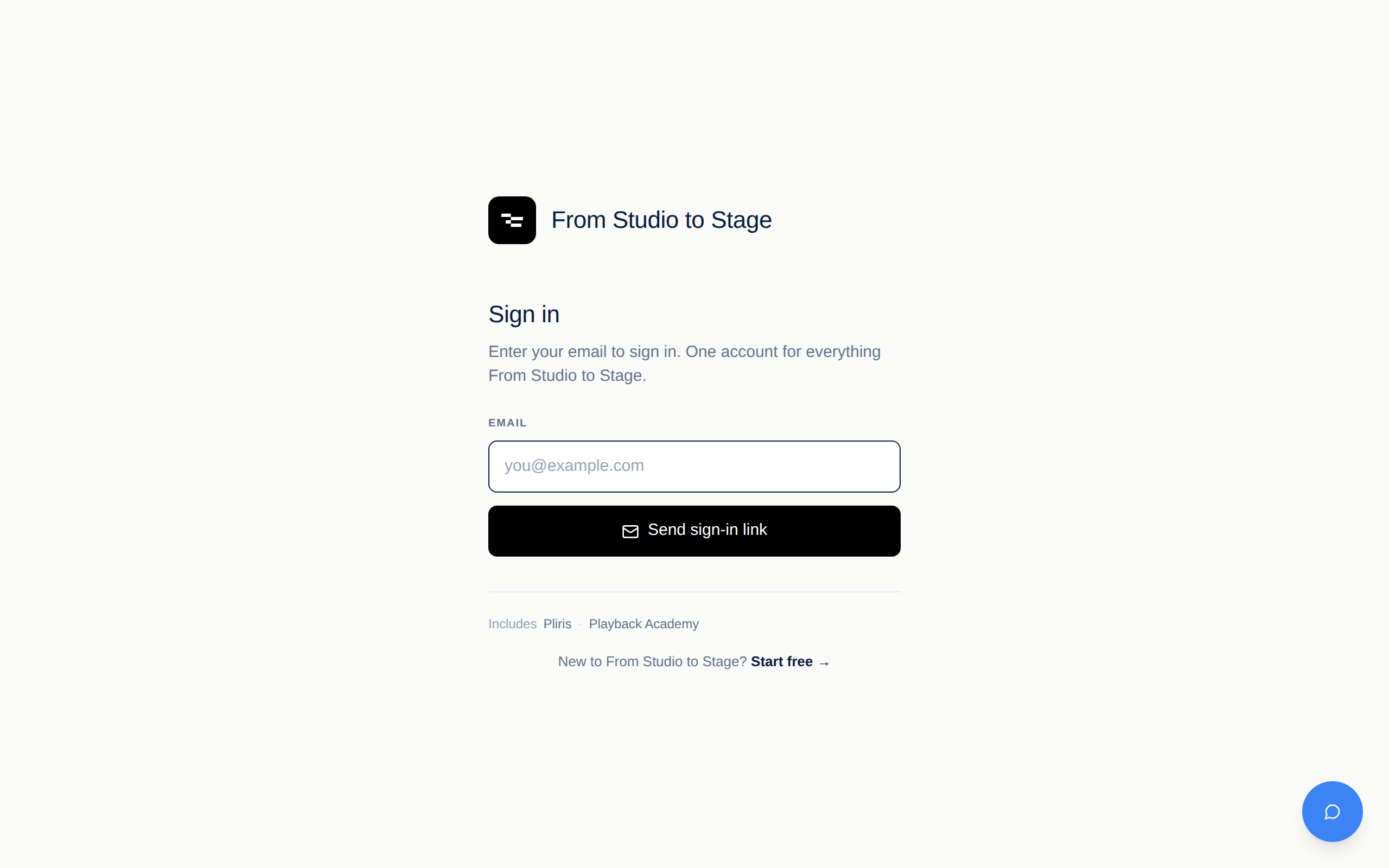
The magic-link flow
- Enter your email address — the same email you subscribed with. Access is keyed off your email, so a different address won't find your subscription.
- Click Send sign-in link.
- Open the email and click the link. That's it — no password, ever.
If the email doesn't arrive within a minute or two, check your spam folder, and make sure you typed the address you pay with.
The Pliris sign-in page at bands.fromstudiotostage.com works exactly the same way:
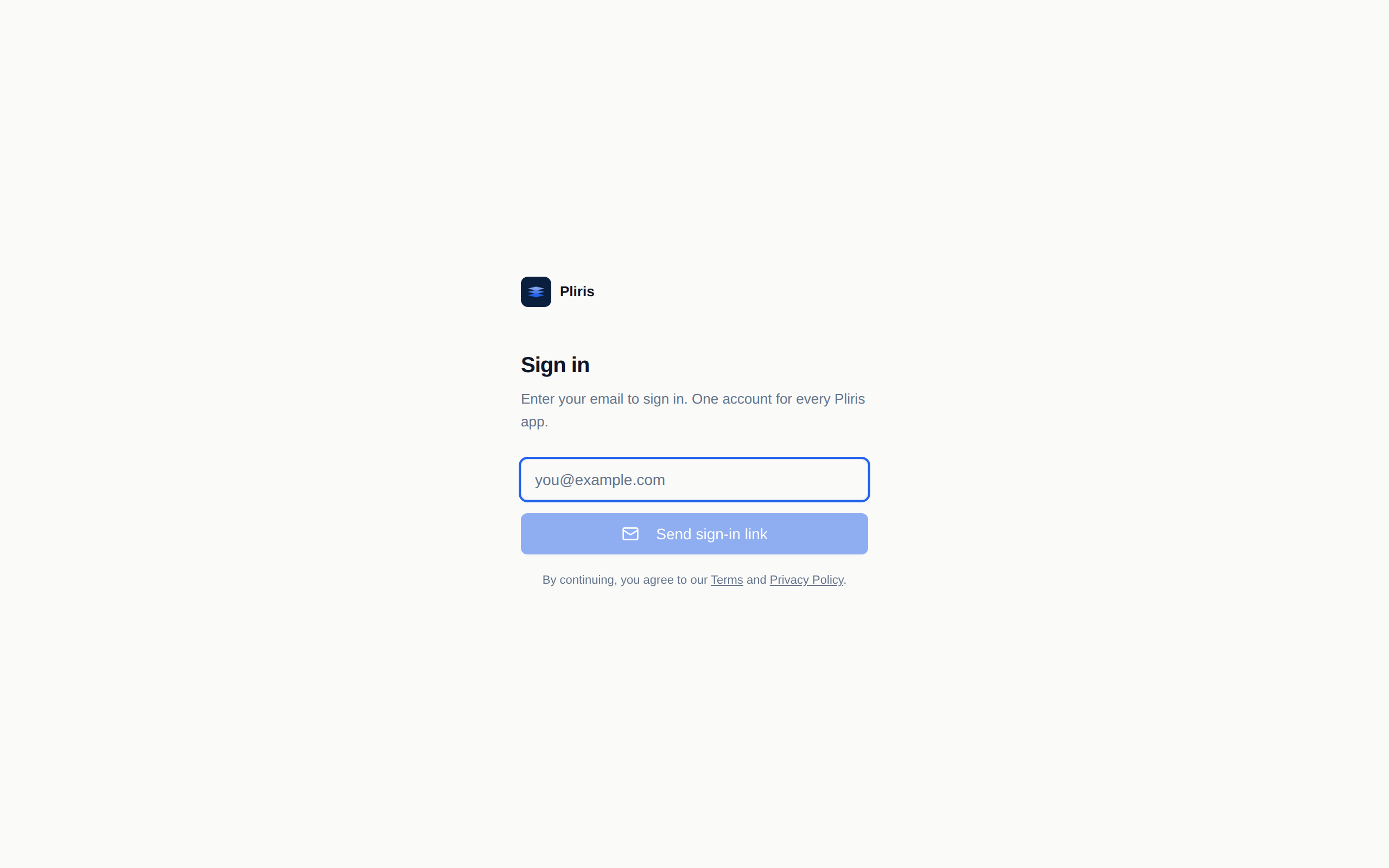
One sign-in, every app
Your session is shared across all .fromstudiotostage.com apps. Sign in on the main site and you're automatically signed in at bands.fromstudiotostage.com (and every other Pliris app) — and the other way around. You never need to sign in twice.
Once you're signed in, every published Pliris app opens with the same account:
| App | What it does | Open it |
|---|---|---|
| Bands | The performance database — songs, stems, arrangements, setlists | bands.fromstudiotostage.com |
| Lyrics | Stage lyrics display | lyrics.fromstudiotostage.com |
| Presets | Patch library for your devices | presets.fromstudiotostage.com |
| Video | Set video playback | video.fromstudiotostage.com |
| LTC | SMPTE timecode generator | ltc.fromstudiotostage.com |
| Cues | Voice cues for the stage | cues.fromstudiotostage.com |
| Files | Inbox links and file sharing | files.fromstudiotostage.com |
| Monitor | MIDI / timecode monitor | monitor.fromstudiotostage.com |
You can also jump between apps from the avatar menu in any app's header.
"It keeps asking me to sign up for All-Access — but I already have it"
The pricing sections on our marketing pages (like the Pliris product page) are shown to everyone, including signed-in subscribers — they're an ad for new visitors, not a readout of your account. Seeing a "Get All-Access" button does not mean your subscription is missing.
If you already have All-Access:
- Skip the pricing buttons entirely and head to bands.fromstudiotostage.com to use Pliris.
- If you do click a checkout button, we'll block the purchase so you can't double-subscribe — that block means your subscription is active, not that something is wrong.
To confirm what your account has: sign in, open the avatar menu in the header, and check your plan — or visit fromstudiotostage.com/settings.
Still stuck?
- Just subscribed but the app still says Free? Sign out and back in — access refreshes at sign-in.
- Subscribed with one email but signing in with another? Contact support and we'll line them up.
- Anything else: use the chat widget or email support and include the email address you subscribed with.